 ChatGPT
 Claude
 Gemini
 Perplexity
Create Account
Use this form to add a new account to the platform.
What you can do here
- Enter company name, contact, industry, and location
- Set account-level properties
- Save the account and begin adding assessments
Overview
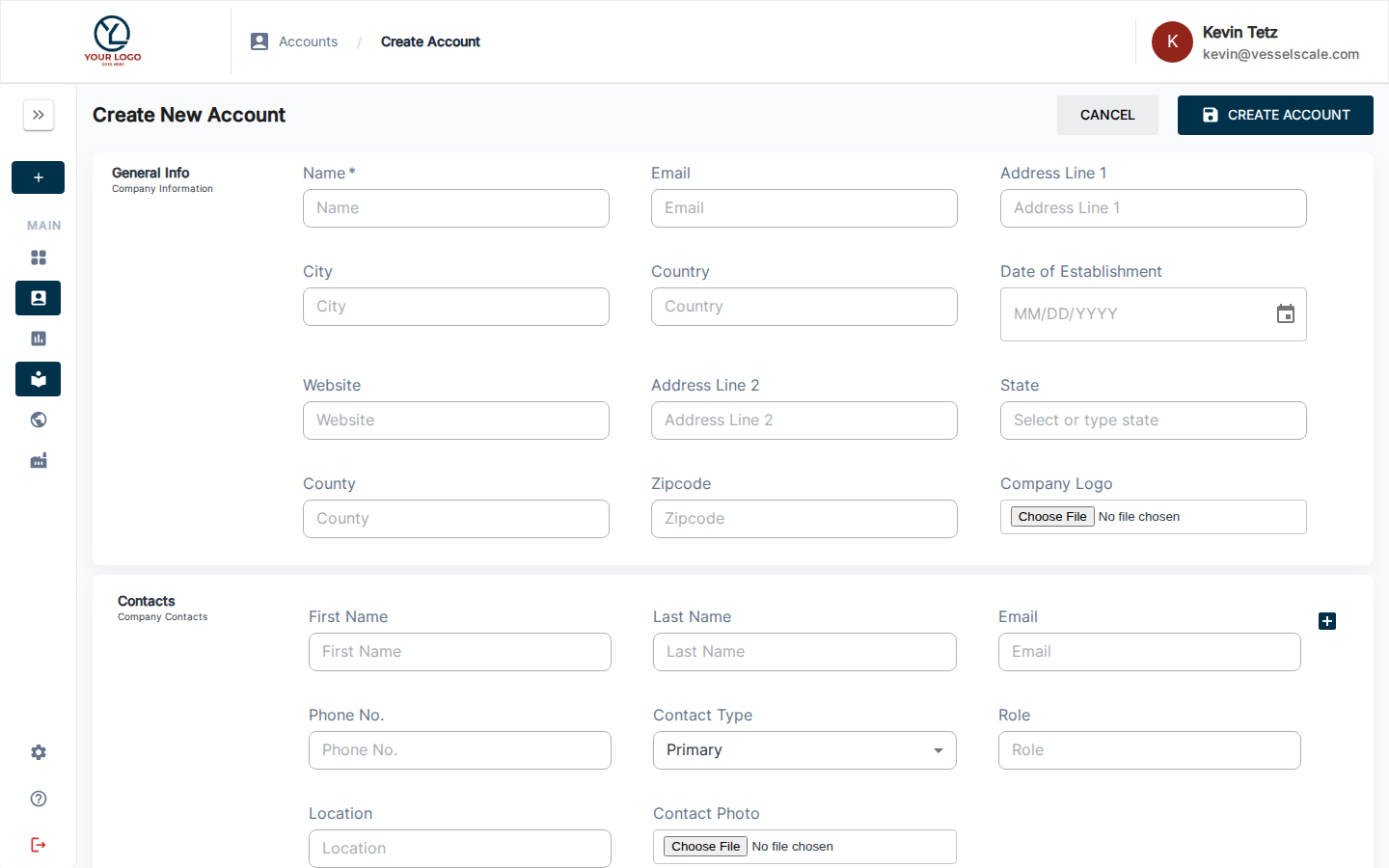
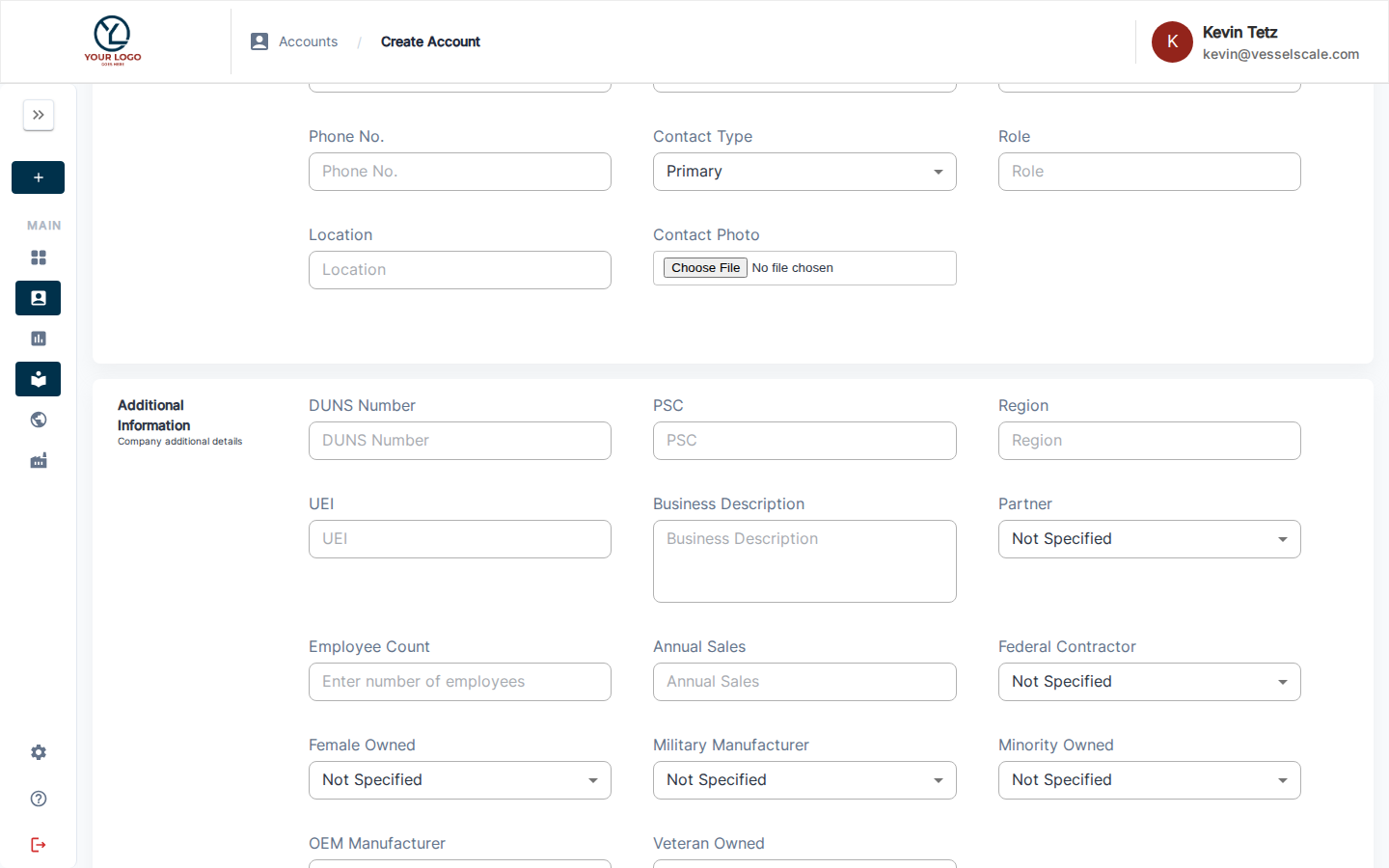
The Create Account form uses the same fields and layout as the Edit Account page. Sections include:
| Section | Fields |
|---|---|
| General Info | Name *, Email, Address Line 1, City, Country, Date of Establishment, Website, Address Line 2, State, County, Zipcode, Company Logo |
| Contacts | First Name *, Last Name *, Email *, Phone No., Contact Type, Role, Location, Contact Photo |
| Additional Information | DUNS Number, PSC, Region, UEI, Business Description, Partner, Employee Count, Annual Sales, Federal Contractor, Female Owned, Military Manufacturer, Minority Owned, OEM Manufacturer, Veteran Owned |
See Edit Account for a full description of each field.
Saving
After filling in the required fields, click Save to create the account. Validation errors will be displayed if required fields are missing or invalid data is entered. Once saved, you'll be taken to the new account's details page where you can begin adding assessments.
Help Video
Vessel Accounts | Adding an Account
Related
- Getting Started: Step 1 — Quick-start guide to creating accounts
- Edit Account — Full field reference
- Account Details — View account information
- Accounts — Accounts overview