 ChatGPT
 Claude
 Gemini
 Perplexity
Workflow Step 2 — Publish Assessment
Before you can start collecting responses from respondents, you must move your assessment from Draft status to In Progress status by publishing it.
When to Publish
Once you've created an assessment and made any necessary edits to the questions, categories, scoring thresholds, dates, and other settings, you're ready to publish.
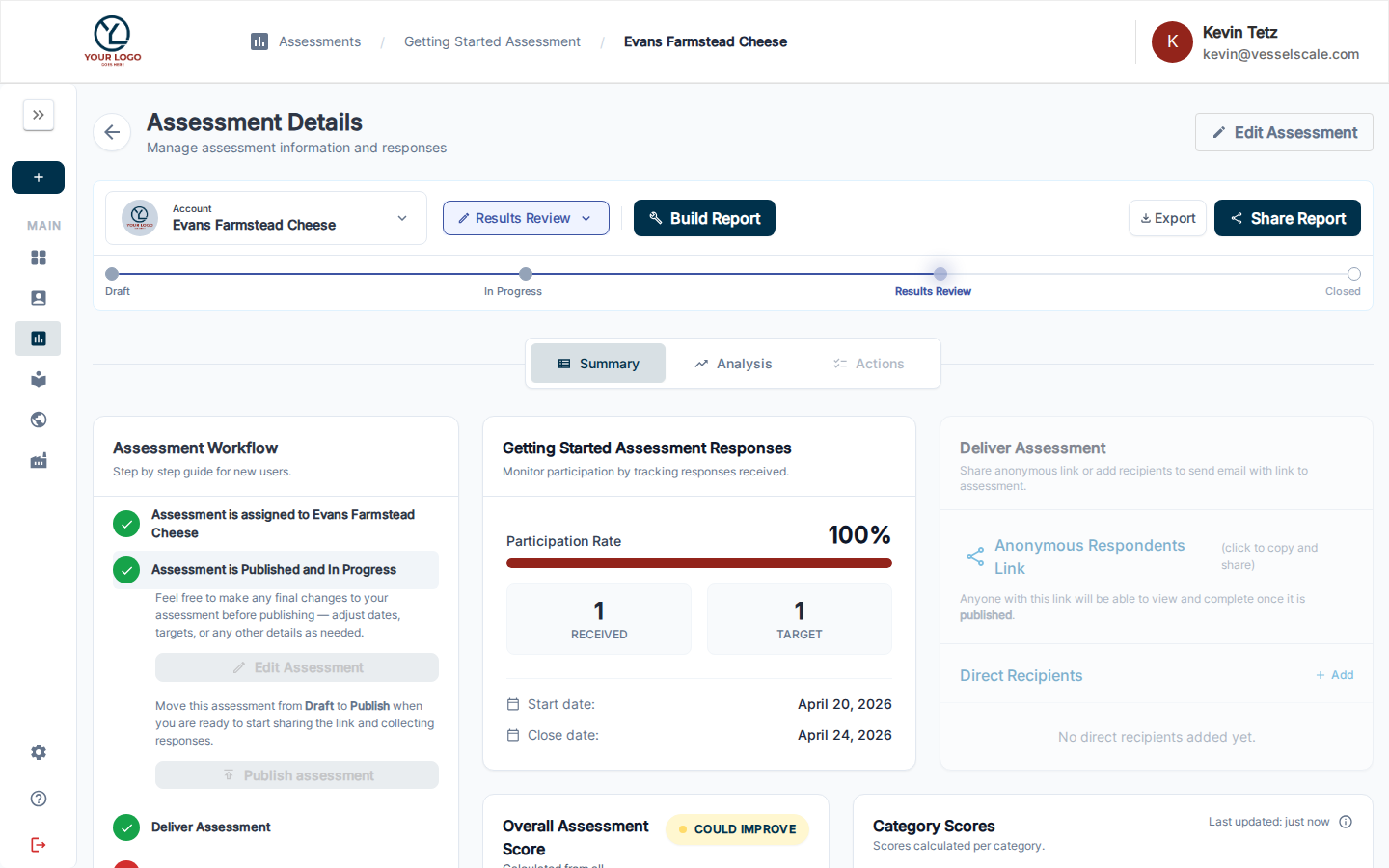
Make any final changes before publishing: - Review assessment dates (start and end dates) - Verify all questions and scoring rules - Check any custom settings or branding
How to Publish
You can publish your assessment in two ways:
Method 1: From the Assessment Details Page
- Navigate to Assessments in the sidebar
- Click on the assessment you want to publish
- Look for the Assessment Workflow Guide card on the Summary tab
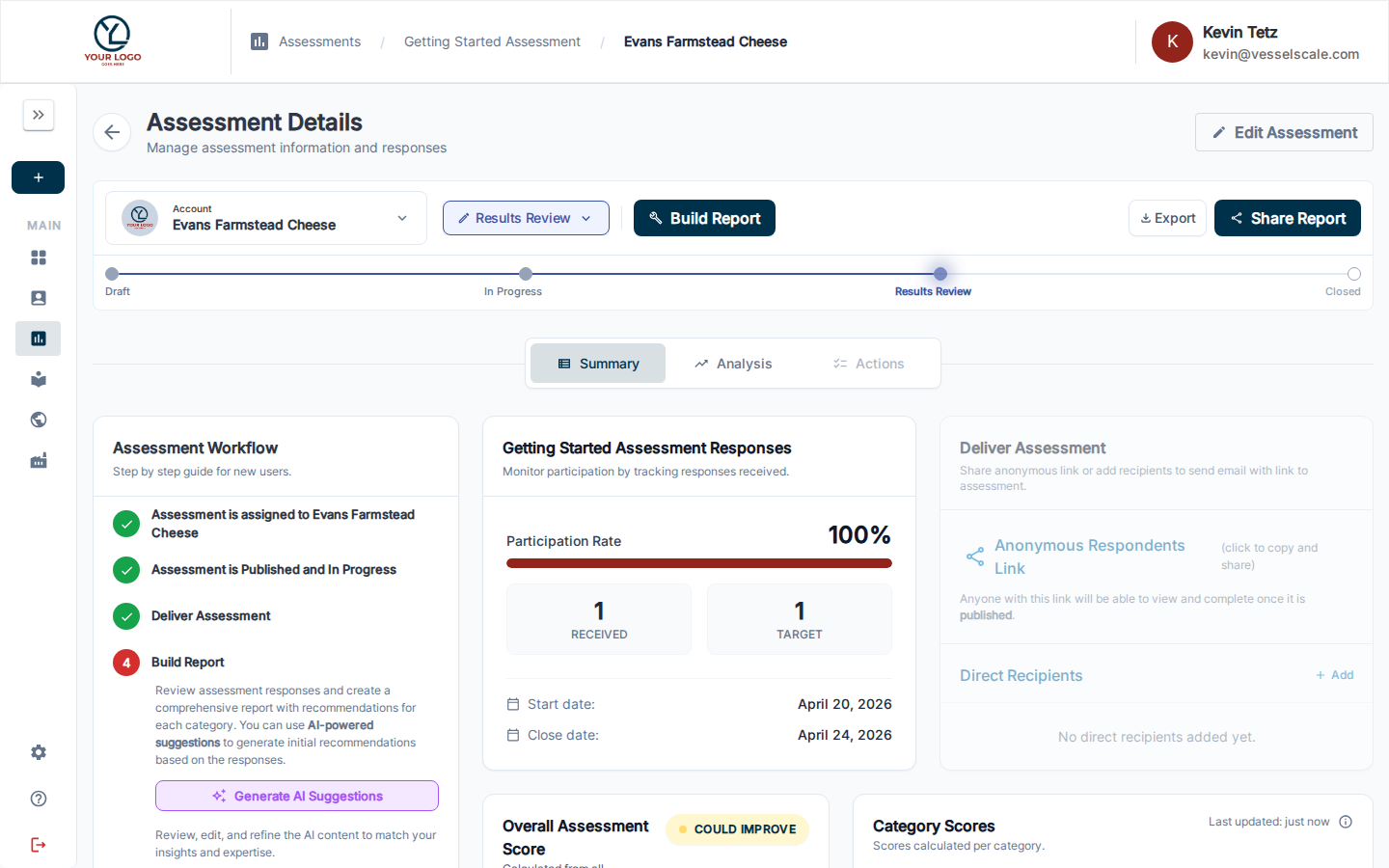 4. In the Publish step (Step 2), click the Edit button to make final changes if needed
5. Click Publish Assessment to move it to In Progress status
4. In the Publish step (Step 2), click the Edit button to make final changes if needed
5. Click Publish Assessment to move it to In Progress status
The assessment status will change from Draft to In Progress, and you'll be able to start sharing it with respondents.
Method 2: From the Assessment Edit Page
- Open the assessment in edit mode
- Make any final changes you need
- Click Publish to move to In Progress status
After Publishing
Once your assessment is published:
✅ You can start collecting responses — Share the assessment link with respondents
✅ Response tracking is enabled — Monitor the number of responses in real-time
✅ The next step unlocks — Move to Step 3 — Deliver Assessment to share with respondents
What's Next?
Once you've published your assessment, proceed to Step 3 — Deliver Assessment to learn how to share it with respondents and track responses.
Key Concepts: - Draft status = assessment is being edited, not yet accepting responses - In Progress status = assessment is published and actively collecting responses - Publishing is a one-way action (you cannot unpublish an assessment, but you can pause response collection by closing it)