 ChatGPT
 Claude
 Gemini
 Perplexity
Edit Account
The Edit Account page allows administrators to update and maintain account information.
What you can do here
- Modify account contact details
- Update industry classifications (NAICS codes)
- Change location information
- Update company name and other organizational details
- Save changes to keep account data current
Overview
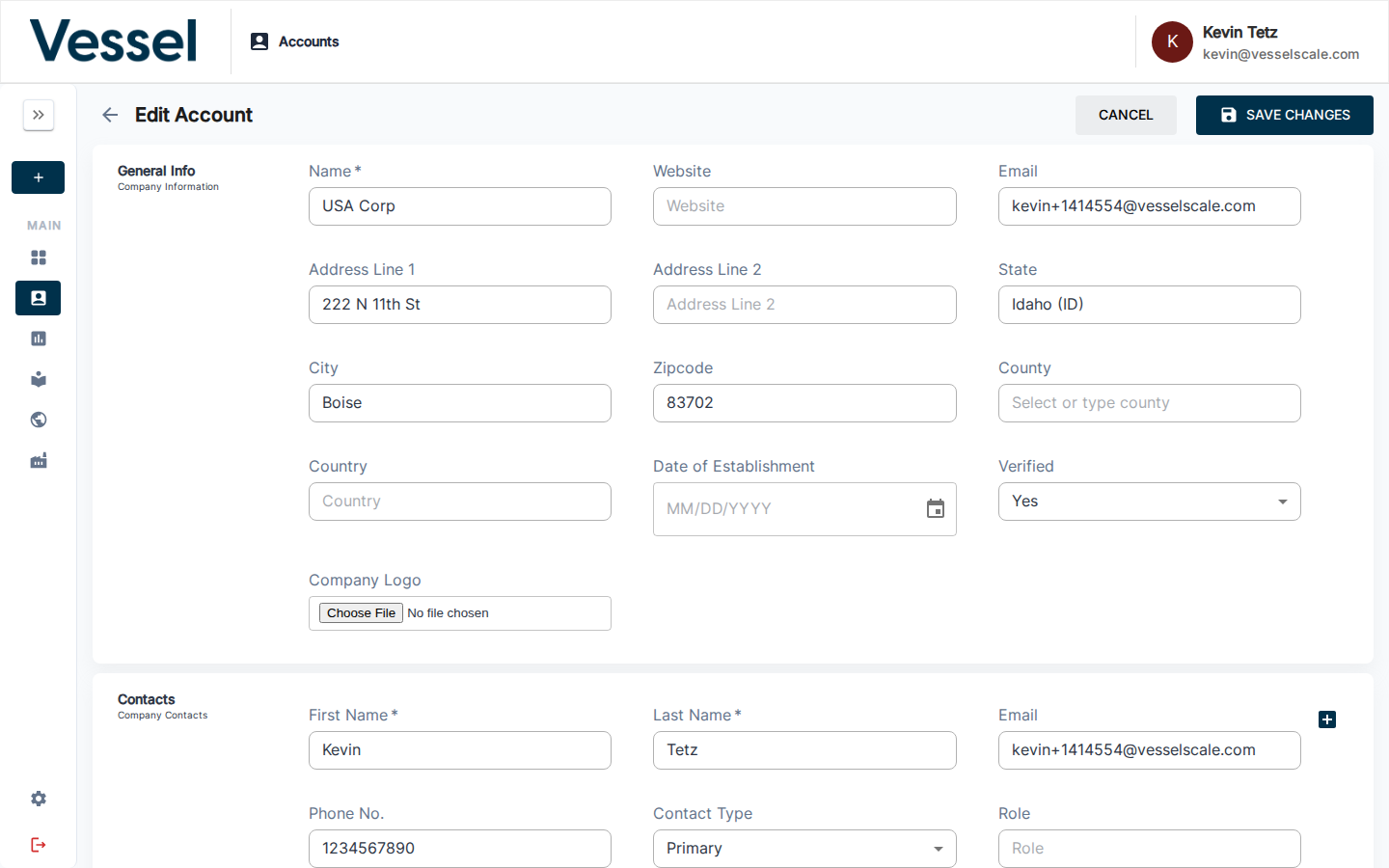
The Edit Account interface provides a comprehensive form to update all aspects of an account's profile. This ensures your account data remains current and accurate as business information changes over time.
Editing Account Information
Access the Edit Account page by clicking the Edit button from the Account Details page. The form includes sections for:
- Basic Information - Company name, description, and general account details
- Contact Information - Primary contact name, email, phone, and address
- Location - Geographic information and headquarters location
- Industry Classification - NAICS codes and industry codes that classify the business
- Status - Account status and operational flags
Saving Changes
After making updates, click the Save button to persist your changes. Validation errors will be displayed if required fields are missing or invalid data is entered.
Related
- Account Details - View account information
- Accounts - Accounts overview