 ChatGPT
 Claude
 Gemini
 Perplexity
NAICS Hierarchy
NAICS codes are organized into four nested levels, from broad economic sectors down to specific industries. Every six-digit code assigned to an Account maps to all four levels simultaneously, so data can be aggregated at any level.
Sector (2-digit)
  └── Subsector (3-digit)
        └── Group (4-digit)
              └── Industry (6-digit)
The Industries explorer displays all four levels as columns. Selecting a code in one column narrows the options in the next.
Sectors
Sectors are the broadest classification — 20 major divisions of the economy identified by a 2-digit code (e.g., 31–33 Manufacturing, 54 Professional Services).
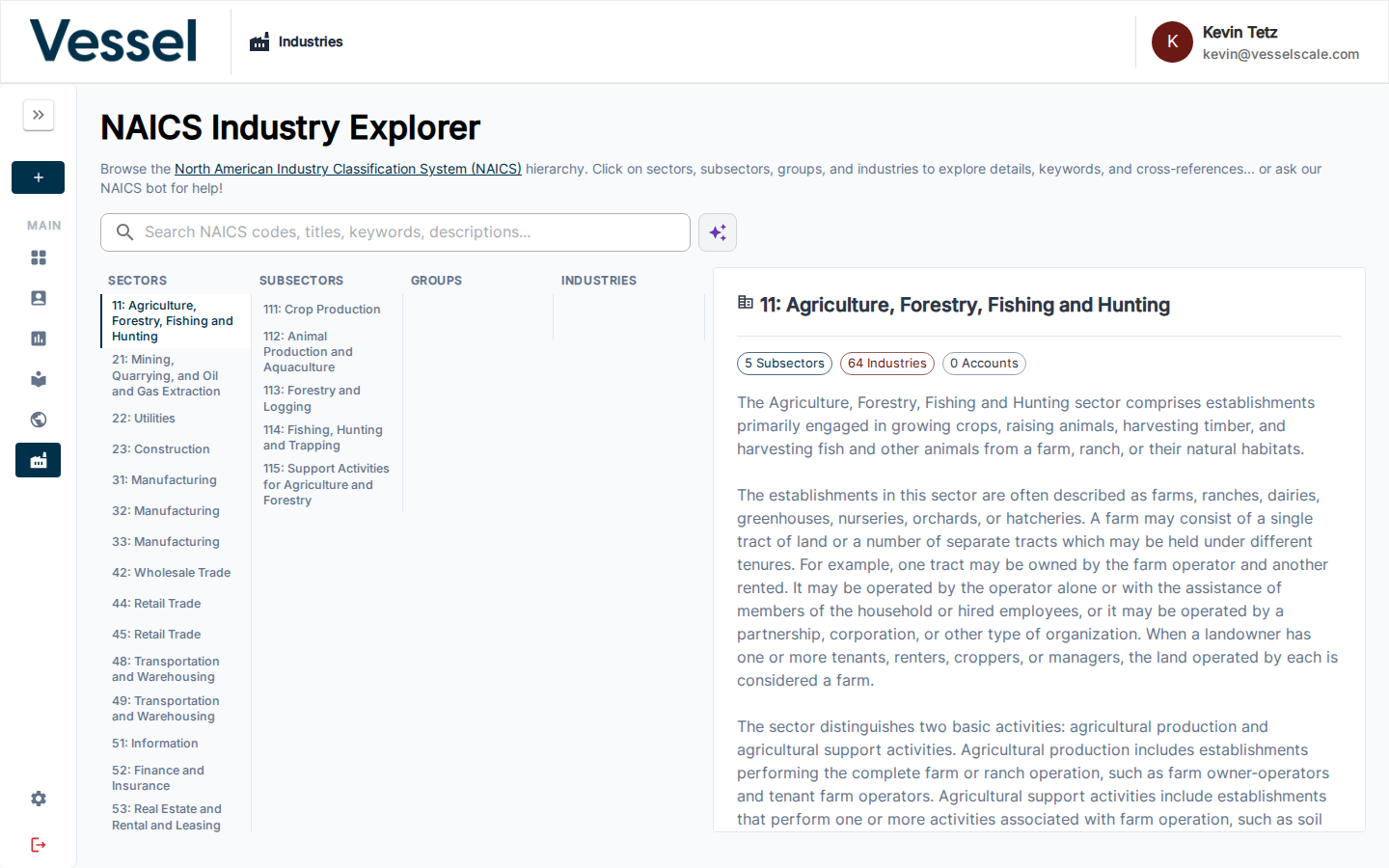
Clicking a Sector shows:
- A description of the economic division
- The list of Subsectors it contains
- Cross-references to related NAICS codes
Platform use: Sector-level groupings appear in dashboard charts and pivot tables, letting you compare aggregate performance (average scores, company counts, sizes) across major economic categories.
Subsectors
Subsectors narrow the Sector into more focused industry areas using a 3-digit code (e.g., 311 Food Manufacturing, 332 Fabricated Metal Product Manufacturing).
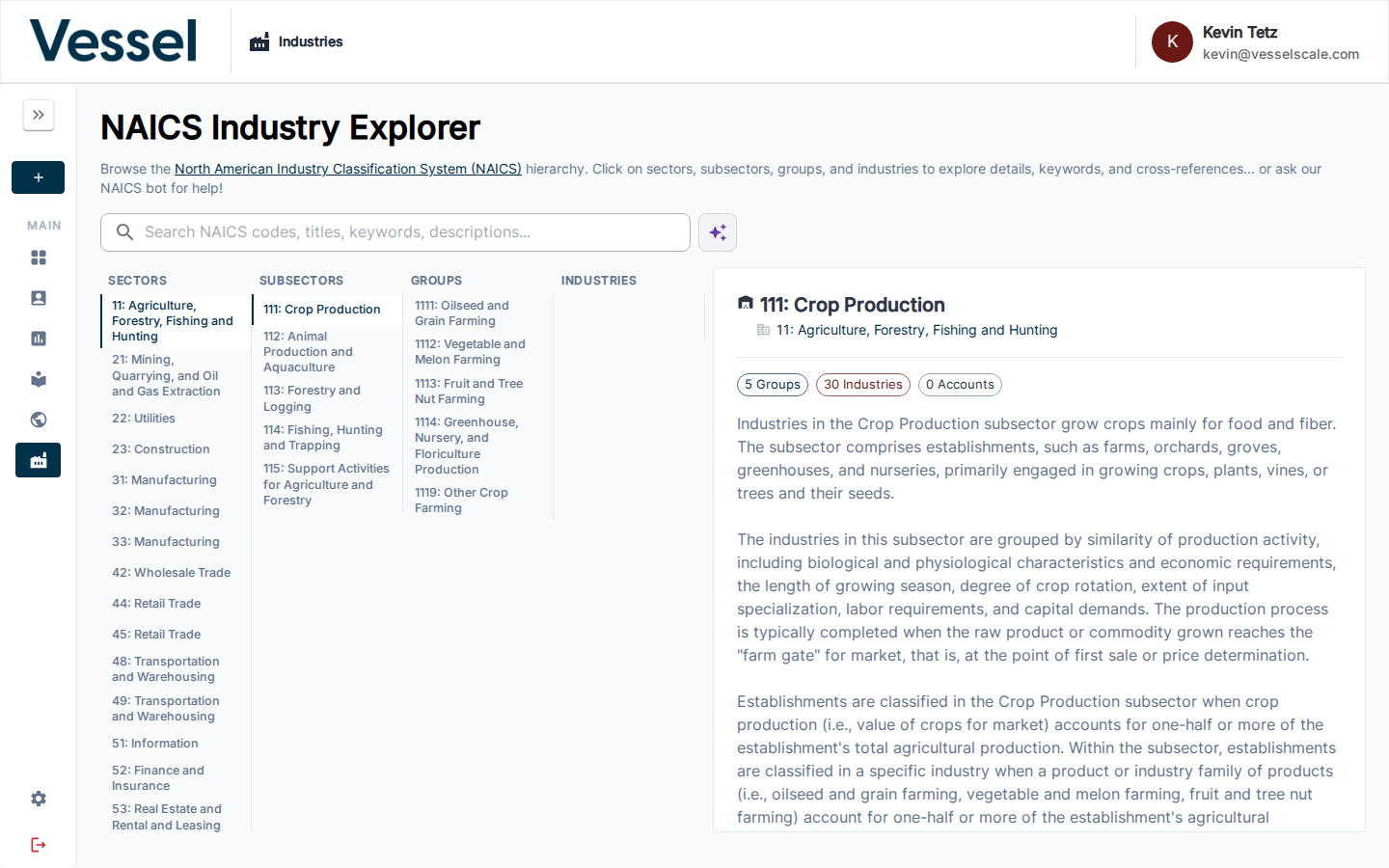
Clicking a Subsector shows:
- A description of the industry cluster
- The Groups it contains
- Cross-references and related terminology
Platform use: Subsector-level filtering is available in the Ecosystem Map and dashboard pivot tables, enabling analysis of a specific manufacturing cluster or service area without needing to know every individual NAICS code.
Groups
Groups are the third level, identified by a 4-digit code (e.g., 3112 Grain & Oilseed Milling, 3321 Forging & Stamping). A Group typically represents a distinct production process or product category within a Subsector.
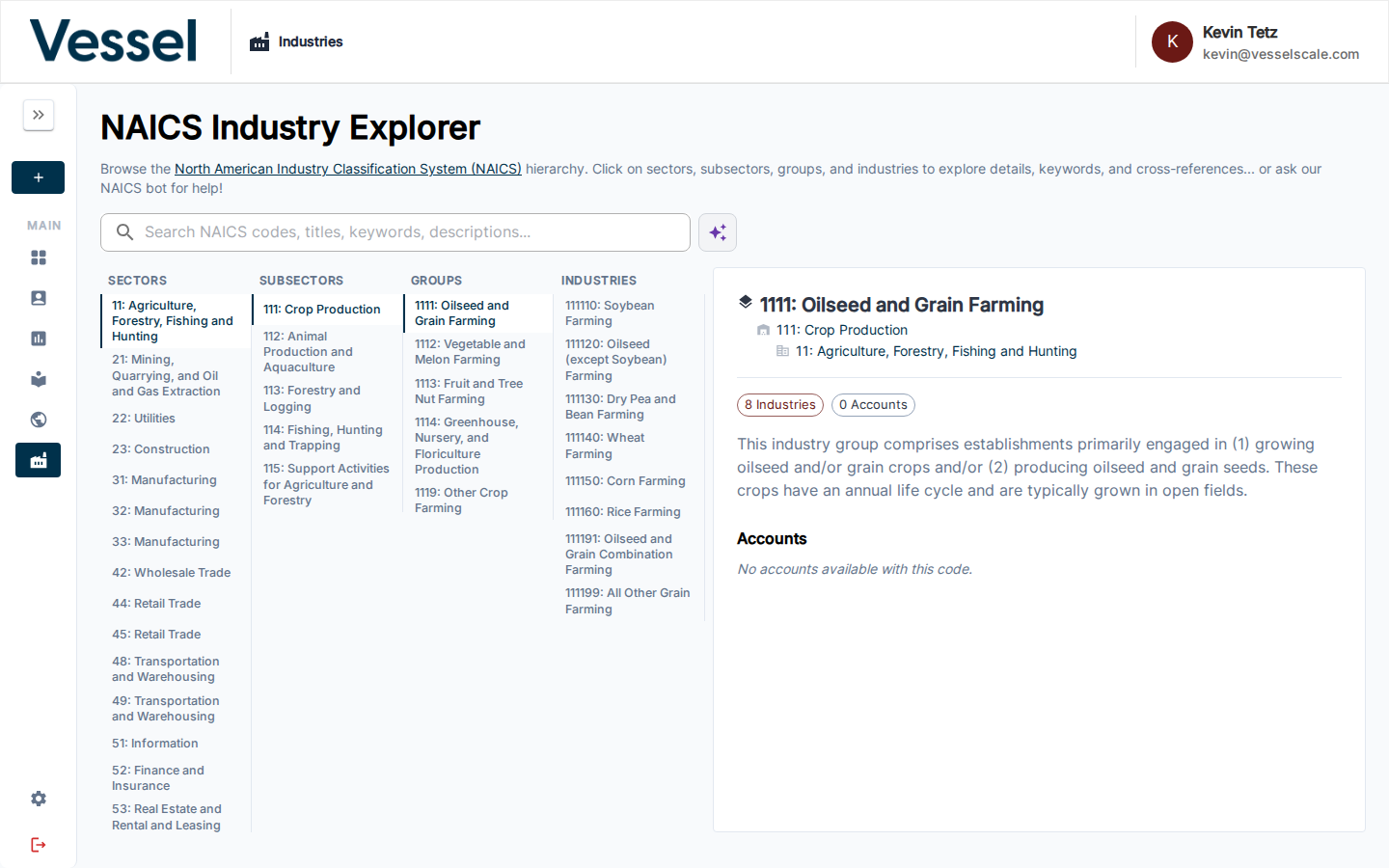
Clicking a Group shows:
- A detailed description of the production or service type
- The Industries (6-digit codes) it contains
- Any applicable keywords and cross-references
Platform use: Groups provide a mid-level aggregation point. When accounts share a Group code prefix, they can be grouped together in reports and dashboard charts even if their exact 6-digit codes differ.
Industries
Industries are the most specific level — 6-digit codes that identify a precise type of business activity (e.g., 311211 Flour Milling, 332111 Iron and Steel Forging).
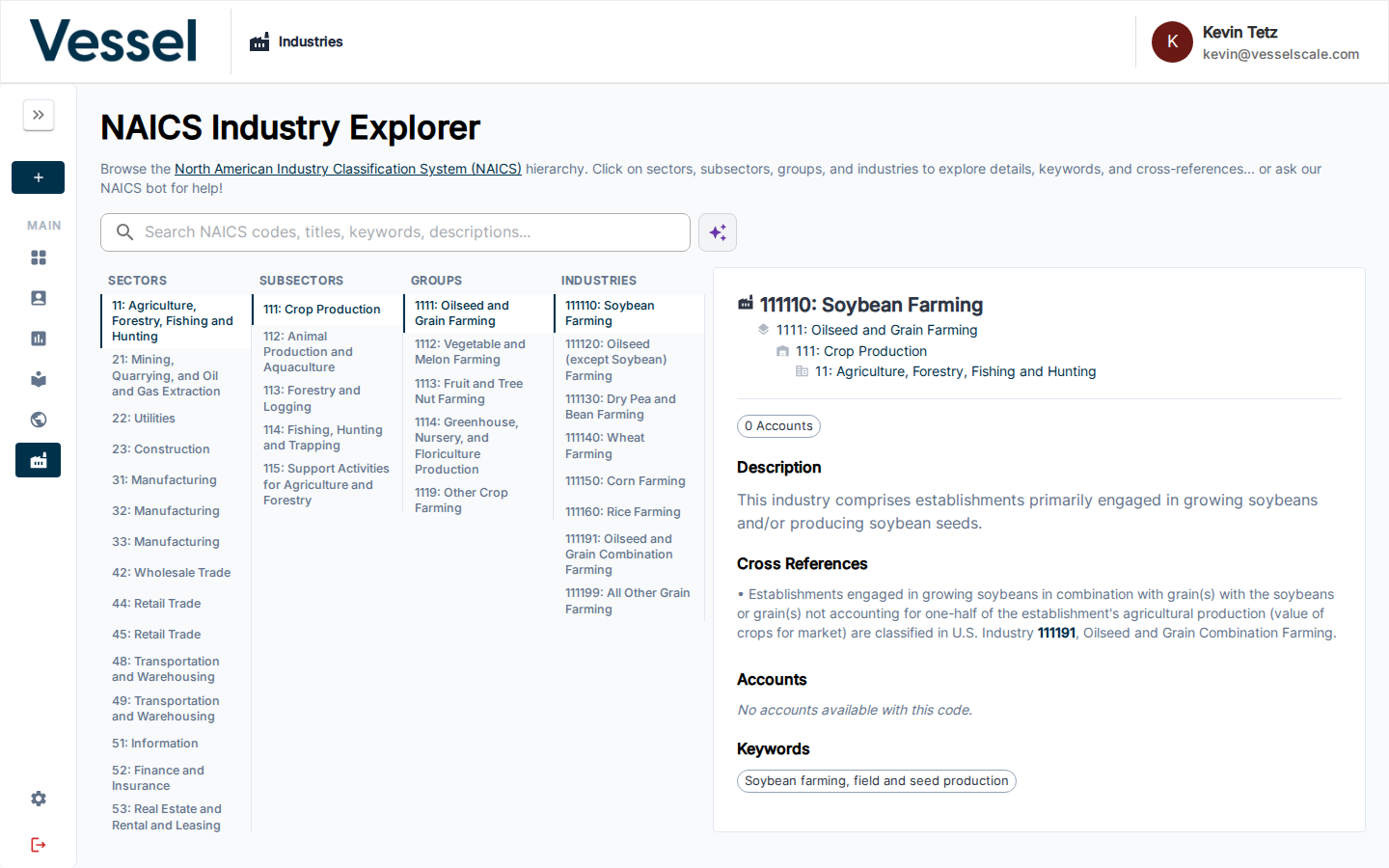
Clicking an Industry shows:
- The official NAICS definition and scope
- A list of Accounts in your ecosystem assigned this code, with their city/state location
- Keywords and illustrative examples
- Cross-references to related codes
Platform use: The 6-digit code is what gets assigned to an Account — via the intake form's Industry Type page or manually on the Account details page. All four levels of the hierarchy are automatically implied by that single code.
Searching
Use the search bar at the top of the Industries page to find codes by title, keyword, or description. Results filter all four columns simultaneously, highlighting only the matching branches of the hierarchy.
The AI assistant (spark icon) can help if you describe a business in plain language — it will suggest the most appropriate NAICS classification.
Related
- Industries Overview
- Platform Integration — how these codes power dashboards, reports, and map filters
- Ecosystem Map → Filters — filter the map by NAICS Sector or Subsector
- Settings → Custom Data — manage which codes are active