 ChatGPT
 Claude
 Gemini
 Perplexity
Filters
The Filters panel on the left side of the Ecosystem Map lets you narrow which accounts appear on the map and in the account list.
Overview
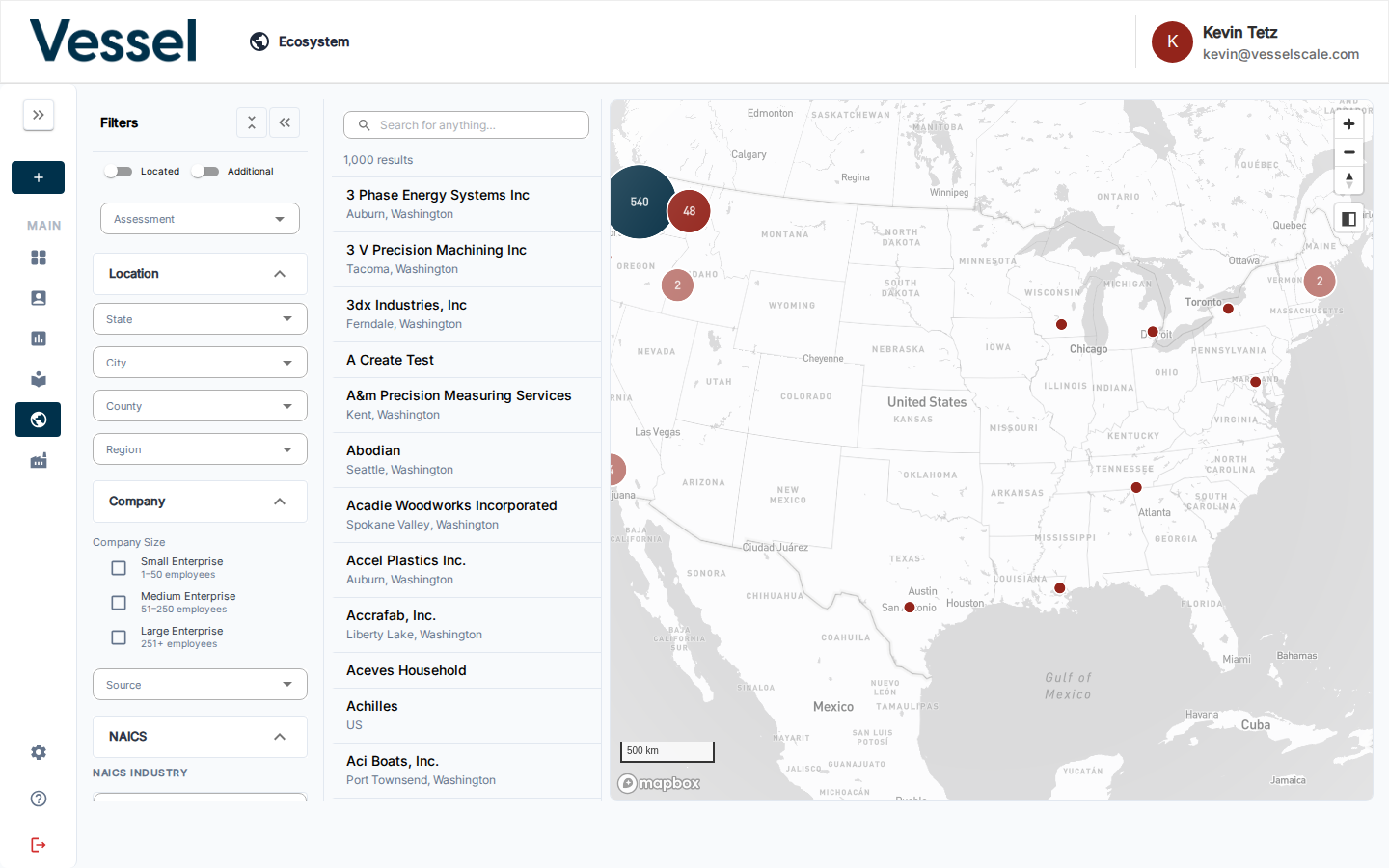
| Filter group | Options |
|---|---|
| Assessment | Select an active assessment to enable the Scores view |
| Location | State, City, County, Region |
| Company Size | Small Enterprise (1–50), Medium Enterprise (51–250), Large Enterprise (251+) |
| Source | Filter by data source or shared datasource |
| NAICS | Sector, Subsector, Group, Industry (hierarchical — each level filters the next) |
The Located / Additional toggles at the top control whether geocoded accounts, non-geocoded accounts, or both appear on the map.
Use the Clear button at the top of the filters panel to reset all filters at once.
NAICS Industry Filter
The NAICS filter section provides four cascading Autocomplete fields — Sector, Subsector, Group, and Industry. Selecting a Sector narrows the Subsector options, and so on down the hierarchy.
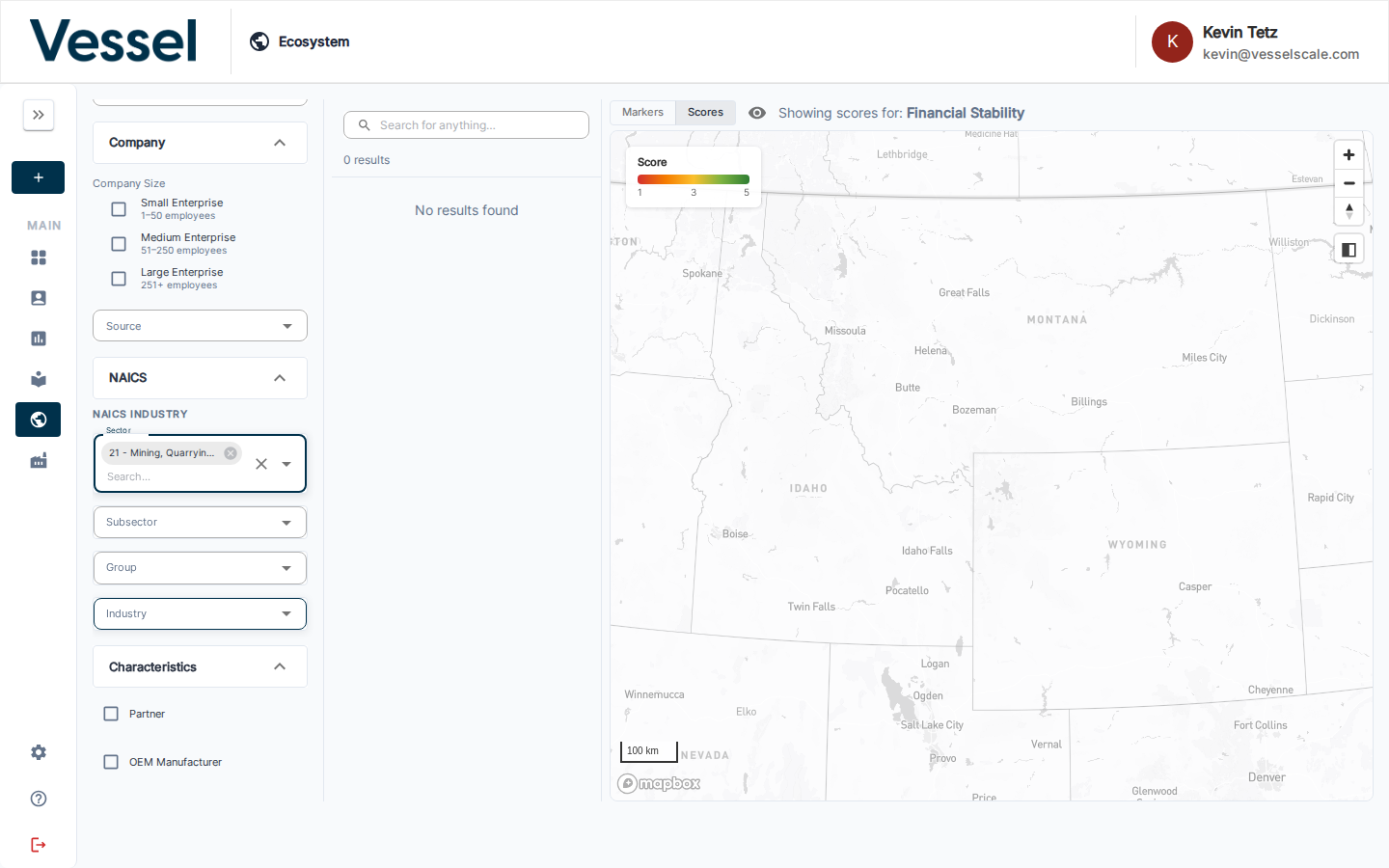
This matches the same NAICS structure described in Industries.
Help Video
Vessel EcoSystem | Map Filters
Related
- Ecosystem Map — overview
- Scores View — overlay assessment scores after selecting an Assessment filter
- Industries — full NAICS hierarchy reference